PreviewCurrent status

AtlasOmnia product

AtlasOmnia Browse

extension for Google Chrome
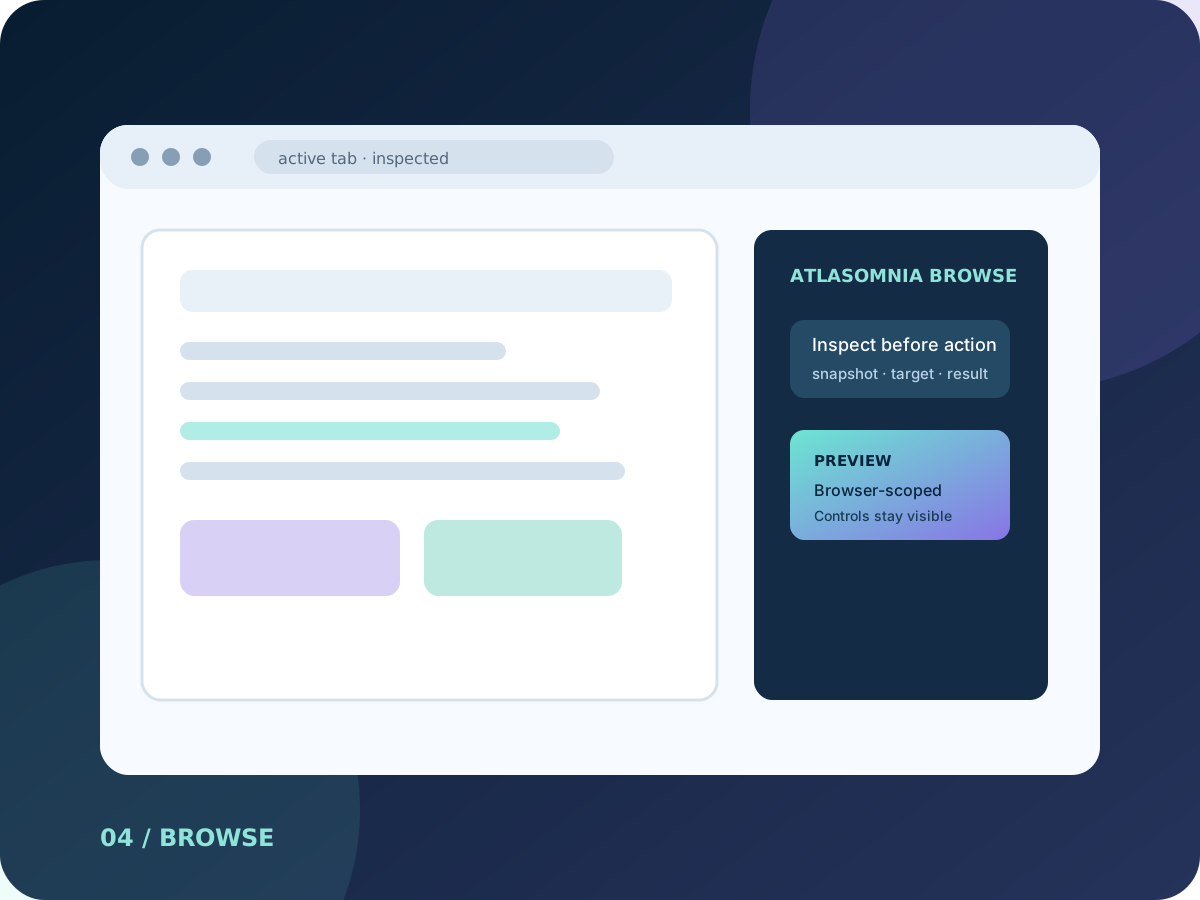
AtlasOmnia Browse abstract task-pane artwork for an extension for Google Chrome

This independent AtlasOmnia preview connects Hermes Agent context to a Chrome side panel and local browser-tools gateway; its current status remains Preview, with capabilities and availability kept separate from compatibility references.

Preview

Preview

Preview means a prototype is described, but no public installable release is announced.

The label describes the current source-backed route, not a future release promise.

A browser-scoped connection for Hermes

The current checkout connects a Chrome side panel to a local gateway and registered browser tools. It keeps the operating scope in Chrome tabs, windows, pages, and browser controls. This is current development-preview scope, not a public-release commitment.

Inspect before acting. Use DOM or accessibility snapshots and explicit element targets before an interaction, then confirm the result through the tool response.

What the current prototype connects

The repository documents a broad browser-tools surface, with advanced capabilities kept opt-in.

Tabs and windows

List, query, activate, create, close, reload, focus, and navigate Chrome tabs and windows within the browser-scoped gateway.

Inspect pages semantically

Capture screenshots, DOM snapshots, accessibility-oriented snapshots, frame lists, and semantic element information before choosing an interaction.

Interact and transfer

Click, type, emit keypresses, wait for selectors, read and set selections, use frame-scoped interactions, read and write clipboard text, attach in-memory files, and manage downloads.

Make actions visible

Move an in-page virtual cursor, highlight elements or rectangles, and clear visual overlays. chrome.evaluate and chrome.debugger.command remain disabled by default and require explicit opt-in.

A visible path from inspection to action

These examples describe the kinds of tasks supported by the checked-out preview; they are not promises about a future store release.

01

Inspect the current tab

Read a DOM or accessibility snapshot before deciding whether a page control is the right target.

02

Confirm a page control

Find a control by accessible name or visible text, click it, and confirm the result through a tool response.

03

Manage a browser task

Navigate tabs, fill fields, manage selections, and use clipboard or download operations within Chrome.

04

Keep feedback in view

Use the visual cursor and highlight overlays to make browser actions easier to follow in the active page.

Manual unpacked setup

The current route is a development workflow with a local gateway, not a signed extension release.

  • Google Chrome with the MV3 manifest’s declared minimum version of 116; the declaration is not a substitute for live compatibility validation.
  • Node.js for the local gateway and native-host flows, plus a Hermes API server documented by manual setup at http://127.0.0.1:8643.
  • The browser-tools gateway is documented by default at http://127.0.0.1:8765 or ws://127.0.0.1:8765.
  • Gateway authentication is required by default through HERMES_TOKEN; tokenless mode is a development-only loopback escape hatch.
  • The optional native messaging host requires the loaded extension ID and can start the gateway automatically. Manual gateway startup remains available without it.

Broad browser scope, explicit boundaries

The extension declares the permissions needed for browser-scoped inspection and control, and the repository documents limits on collection, storage, and advanced operations.

Declared browser scope

The extension requests tabs, storage, scripting, sidePanel, activeTab, downloads, clipboard, nativeMessaging, and all-URLs host permissions. These support tab metadata, page DOM and accessibility queries, downloads, clipboard operations, and local gateway control.

No analytics or browser secrets

The repository privacy disclosure says the extension does not use analytics, telemetry, or crash reporting, does not send data to servers operated by the extension authors, does not read cookies, passwords, or browser authentication state, and does not share data with third parties.

Configurable destination

Communication defaults to the loopback gateway and API, but the Hermes API endpoint is user-configurable and may be remote. Local gateway routing does not prove that a model backend is local. Configuration and API tokens persist in chrome.storage.local.

Opt-in and untrusted data

Advanced evaluate and debugger commands are disabled by default. Agent Mode marks active-tab title and URL values as untrusted data, and content-script results redact password, hidden, and otherwise sensitive form-field values.

A manual preview, not a store release

AtlasOmnia Browse is an independent AtlasOmnia product preview. The current checkout is manually installed and requires a local Node runtime; installer signing, automatic updates, Chrome Web Store publication, pricing, and public release timing are not announced. No public release or download is available. Repository capabilities are current development-preview scope, not public-release commitments.

Join the launch list for future availability updates; no purchase flow is published.

Questions before you follow this route

Can I use it today?

AtlasOmnia Browse is a preview. The page describes current source-backed context, but no public installable release is announced.

What do I need?

Use the requirements and privacy sections on this page. The verified manual Office setup is summarized on the install page where it applies.

Where does my data go?

The data path depends on the configured product endpoint and provider described on this page. Review those boundaries before using real data; AtlasOmnia does not claim that every configured provider is local.

Follow AtlasOmnia Browse updates

The existing AtlasOmnia updates list is the only signup path. This product-tagged link identifies the route in the URL; no claim is made about how Beehiiv stores that parameter.

Follow launch updates