In developmentCurrent status

AtlasOmnia product

AtlasOmnia Grid

add-in for Microsoft Excel
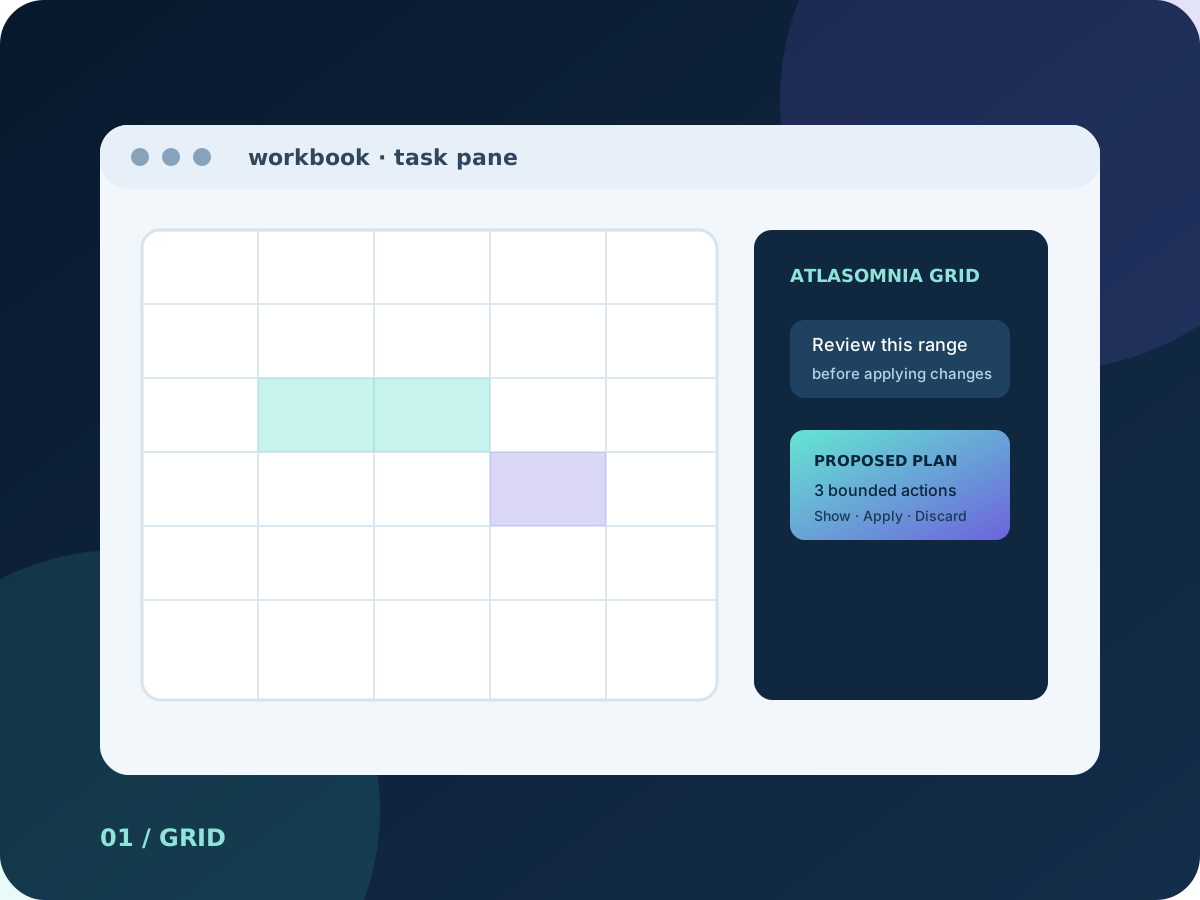
AtlasOmnia Grid abstract task-pane artwork for an add-in for Microsoft Excel

This independent AtlasOmnia preview supports Hermes Agent workflows for agent-driven modelling, cleanup, and range-aware actions inside the grid; its current status remains In development, with capabilities and availability kept separate from compatibility references.

In development

In development

In development means the current checkout is usable through a manual developer setup; it is not a public release.

The label describes the current source-backed route, not a future release promise.

Assistance that starts with the workbook in view

The current checkout connects a task-pane conversation to registered Office.js workbook tools. It can inspect context before a change, keep actions tied to named sheets and ranges, and show the work as it runs. This is current development-preview scope, not a public-release commitment.

Control the edit. Review the requested sheet and range, prefer small verifiable actions, and recalculate after formula changes. The preview does not announce a finished commercial workflow.

What the current development preview can do

The documented tool surface covers workbook inspection, bounded edits, worksheet organization, and selected analysis tasks. Host-dependent operations remain explicitly conditional.

Inspect workbook context

Inspect sheet names, the active sheet, used ranges, and the current selection. Read values, formulas, and number formats; reads above 5,000 cells are truncated.

Write and format ranges

Write two-dimensional values or formulas, recalculate, autofill formulas, find and replace text, clear ranges, and import RFC 4180-style CSV data. Format cells with fonts, fills, number formats, borders, alignment, wrapping, and autofit controls.

Manage sheets and tables

Create, delete, activate, rename, and copy worksheets. Create, sort, filter, and style Excel tables, including structured-reference formulas through range writing.

Analyze and visualize

Create supported column, line, pie, or bar charts, and calculate deterministic range statistics. Pivot tables, comments, conditional formatting variants, and other operations depend on the host API requirement set.

Designed for bounded, reviewable changes

These examples describe the kinds of tasks supported by the checked-out preview; they are not promises about a future public package.

01

Build a template

Build a monthly budget template with formulas and formatting, then recalculate and inspect the result.

02

Summarize a sheet

Summarize data on a named sheet, calculate deterministic statistics, and create a supported chart.

03

Find and highlight

Find rows where a chosen column is greater than 1000 and apply a bounded formatting change.

04

Import and organize

Import CSV text, turn a range into a table, then filter, sort, summarize, or pivot it when the host supports the requested API.

Local development setup

The current route is a manual developer workflow rather than an end-user installer.

  • Windows with Microsoft Excel desktop, or Excel on the web for manual sideloading.
  • Node.js LTS, plus a running Hermes Agent API server or another OpenAI-compatible chat-completions endpoint.
  • The documented default add-in route is http://127.0.0.1:8644/v1 with model hermes-agent; the Hermes API server must be started before use.
  • macOS development documentation additionally lists Excel for Mac, Node.js 20 or newer, Python 3, a reachable Hermes API server at http://127.0.0.1:8643/v1 or an upstream override, and trusted Office development certificates.
  • The manifest declares the Workbook host and ReadWriteDocument permission; the VersionOverrides 1.1 manifest enables task-pane pinning.

Know the route before you write

The preview documents safeguards and boundaries, but a local-looking route is not a promise that every model request stays on the device.

Connection visibility

The default no-key proxy listens on loopback port 8644, forwards to the Hermes API on port 8643, injects the upstream API key server-side, and forwards streaming responses incrementally. The macOS setup allows an upstream host override, so the loopback proxy does not justify an absolute local-processing claim.

Stored settings

The add-in stores settings such as endpoint, model, API key, and iteration limit in browser localStorage. The checked-out source does not establish encryption for that storage. A sheet-protection password supplied to the protection tool is documented as never logged or stored.

Guarded workbook actions

The agent instructions favor reading context before writing, small verifiable actions, exact sheet names, and recalculation after formula changes. The tool reference also documents a repeated-identical-call guard.

Optional deeper analysis

A separate Hermes-side PandasAI/Python integration can support deeper analysis, but it is not bundled into the Office add-in and is not a security sandbox. The repository recommends trusted prompts and files, local models for confidential workbooks, authorization before cloud use, and constrained Office.js write-back.

A development preview, not a public release

AtlasOmnia Grid is an independent AtlasOmnia product in development. The current checkout supports manual local setup and Office sideloading, but no public release, download, pricing, or release timing is announced. Repository capabilities are current development-preview scope, not public-release commitments.

Join the launch list for future availability updates; no purchase flow is published.

Questions before you follow this route

Can I use it today?

The current AtlasOmnia Grid route describes a manual developer setup. There is no one-click installer or purchase flow published.

What do I need?

Use the requirements and privacy sections on this page. The verified manual Office setup is summarized on the install page where it applies.

Where does my data go?

The data path depends on the configured product endpoint and provider described on this page. Review those boundaries before using real data; AtlasOmnia does not claim that every configured provider is local.

Follow AtlasOmnia Grid updates

The existing AtlasOmnia updates list is the only signup path. This product-tagged link identifies the route in the URL; no claim is made about how Beehiiv stores that parameter.

Follow launch updates