In developmentCurrent status

AtlasOmnia product

AtlasOmnia Draft

add-in for Microsoft Word
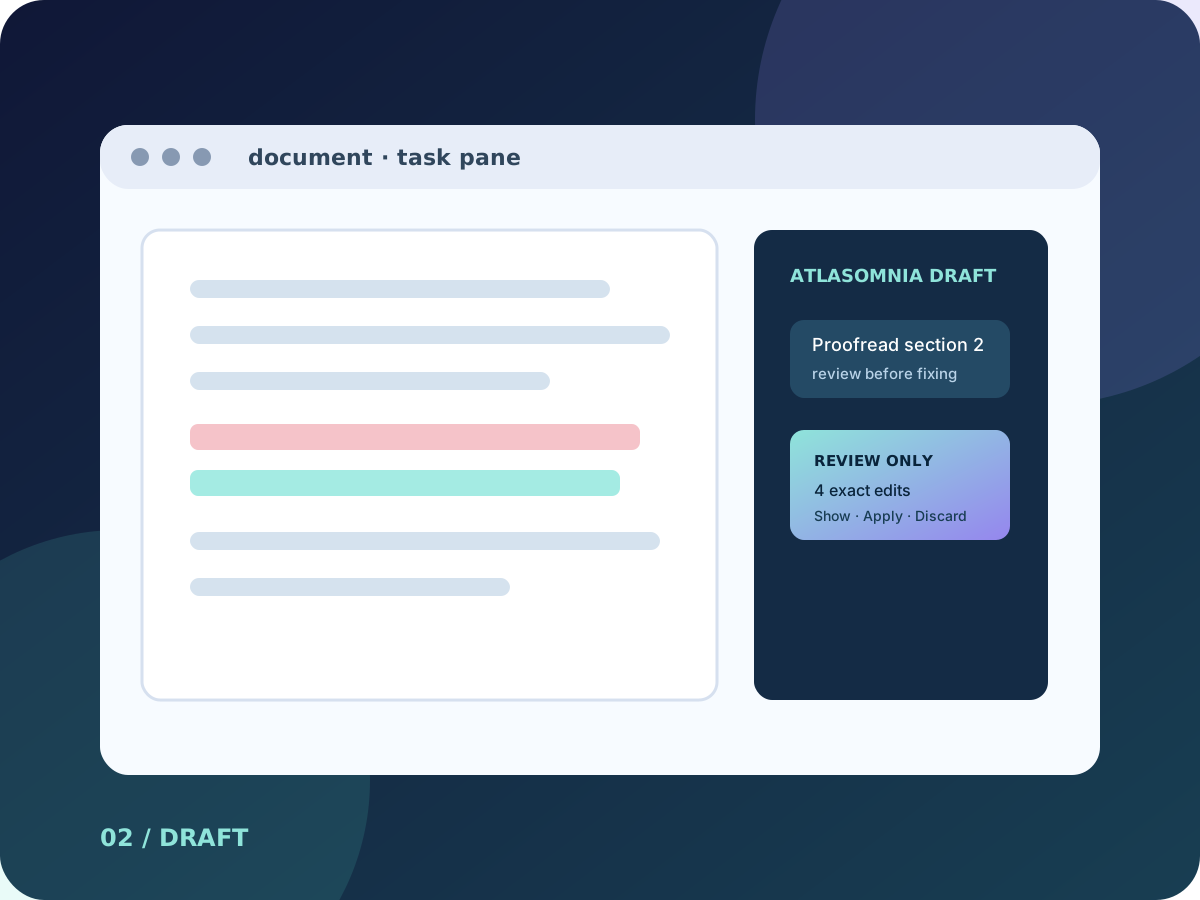
AtlasOmnia Draft abstract task-pane artwork for an add-in for Microsoft Word

This independent AtlasOmnia preview supports Hermes Agent workflows for drafting, redlining, and structured document actions through the sidebar; its current status remains In development, with capabilities and availability kept separate from compatibility references.

In development

In development

In development means the current checkout is usable through a manual developer setup; it is not a public release.

The label describes the current source-backed route, not a future release promise.

A document assistant with explicit edit boundaries

The current checkout reads document and selection context, streams assistant output, and exposes registered Word operations rather than arbitrary model-generated JavaScript. This is current development-preview scope, not a public-release commitment.

Review before mutation. Proofreading is review-only by default. A document change requires explicit intent such as correct, fix, edit, revise, or apply changes.

What the current development preview can do

The documented tool surface combines bounded context reads, familiar document edits, formatting, and review-oriented task modes.

Read the open document

Read a high-level document overview, selected text, bounded document text, and bounded paragraph-structure previews before choosing an action.

Insert, replace, and find

Insert plain text at the start, end, or current selection; replace the current selection; and find and replace body matches with case, whole-word, and highlighting controls.

Format with Word controls

Format the current selection with bold, italic, font color, highlight color, and font size, or apply a named Word style to selected paragraphs.

Apply bounded edits

Validate and apply up to 100 exact-match edits in one batch. Unique matches are applied, while missing, ambiguous, overlapping, or invalid entries are reported without applying those entries. Comments and trusted WordprocessingML are available on compatible hosts.

Use cases built around a visible review step

These examples describe the kinds of tasks supported by the checked-out preview; they are not promises about a future public package.

01

Summarize a selection

Read the open document or selection and produce a focused summary without changing the document.

02

Insert an executive summary

Ask for a short summary at the end of the current document, then review the requested insertion.

03

Replace a draft term

Find and replace all occurrences of a term such as “draft” with “final” using explicit matching controls.

04

Proofread without silent edits

Review spelling, grammar, or style issues first, then apply only a bounded exact-match correction plan when explicitly requested.

Local Office development setup

The current route is a manual developer workflow rather than an end-user installer.

  • Windows with Microsoft Word desktop, or Word on the web for manual sideloading.
  • Node.js LTS and a running Hermes Agent API server. The bundled localhost proxy is documented at http://127.0.0.1:8645/v1 with the read-only route alias hermes-agent.
  • macOS development documentation additionally lists Word for Mac, Node.js 20 or newer, Python 3, a reachable Hermes API server at http://127.0.0.1:8643/v1 or an upstream override, and trusted Office development certificates.
  • The manifest declares WordApi 1.2 as the minimum requirement set and ReadWriteDocument permission.
  • Comments are runtime-gated on WordApi 1.4; optional selection range offsets are runtime-gated on WordApiDesktop 1.4. Unsupported hosts retain text operations and return null offsets.

Destination visibility without overpromising locality

The preview documents what the local bridge logs and what the task pane can see, while distinguishing the immediate route from the model provider behind it.

Proxy logging boundary

The Word proxy documentation states that it does not log request or response bodies. Proxy logs contain only method, path, and upstream destination, with no document content, API keys, or model responses.

See the configured destination

The task pane’s privacy badge is derived from the configured base URL and distinguishes loopback, private-network, cloud, and external destinations. A local bridge can still use a cloud model backend.

Controlled document operations

The tool reference requires reading before writing, bounded and verifiable edits, whole-plan validation for apply-edit plans, and trusted content for raw OOXML. Model-generated JavaScript is not executed.

Local settings, host gates

Settings including endpoint, route, API key, and iteration controls are stored in browser localStorage; the checkout does not establish encryption for that storage. Unsupported comment operations return a deterministic host error instead of attempting the operation.

A development preview, not a public release

AtlasOmnia Draft is an independent AtlasOmnia product in development. The current checkout supports manual local Office sideloading, but no public release, download, pricing, or release timing is announced. Repository capabilities are current development-preview scope, not public-release commitments.

Join the launch list for future availability updates; no purchase flow is published.

Questions before you follow this route

Can I use it today?

The current AtlasOmnia Draft route describes a manual developer setup. There is no one-click installer or purchase flow published.

What do I need?

Use the requirements and privacy sections on this page. The verified manual Office setup is summarized on the install page where it applies.

Where does my data go?

The data path depends on the configured product endpoint and provider described on this page. Review those boundaries before using real data; AtlasOmnia does not claim that every configured provider is local.

Follow AtlasOmnia Draft updates

The existing AtlasOmnia updates list is the only signup path. This product-tagged link identifies the route in the URL; no claim is made about how Beehiiv stores that parameter.

Follow launch updates